Back to All Articles

Best Budget Monitors for Students Under $300
Who this is for:

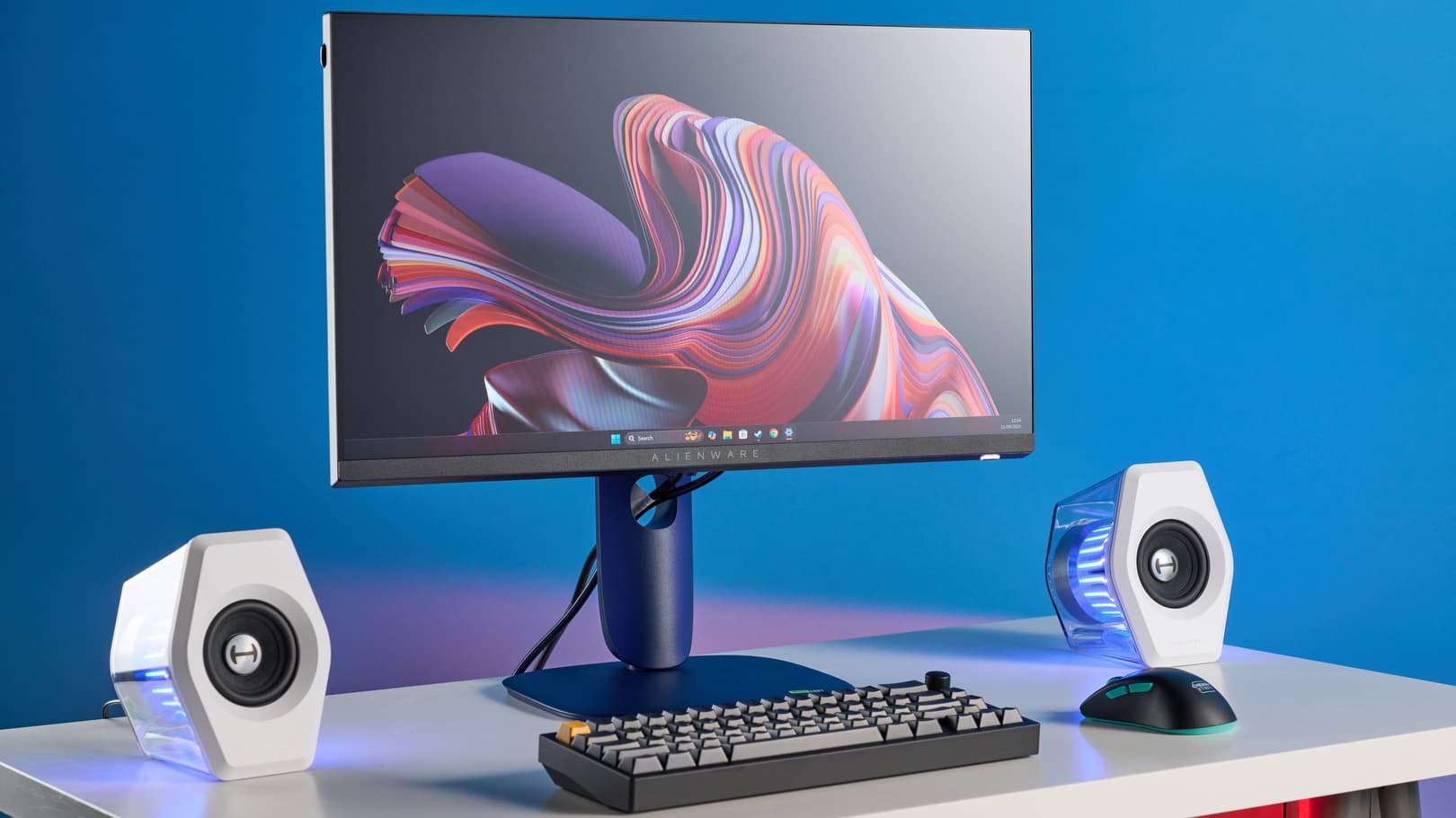
Students who multitask and want a bigger screen for studying, coding, or watching lectures.

This guide is for students who want a larger, more comfortable screen for studying, multitasking, and everyday use without spending more than $300. Whether you’re writing essays, attending online lectures, coding, editing projects, or building a clean desk setup for your dorm or apartment, these monitors are selected to provide the best balance of screen quality, eye comfort, productivity, and value. From affordable 24-inch displays for small desks to larger monitors that make multitasking easier, this list focuses on budget-friendly options that help students create a more productive and comfortable workspace in 2026.
Our Top Picks

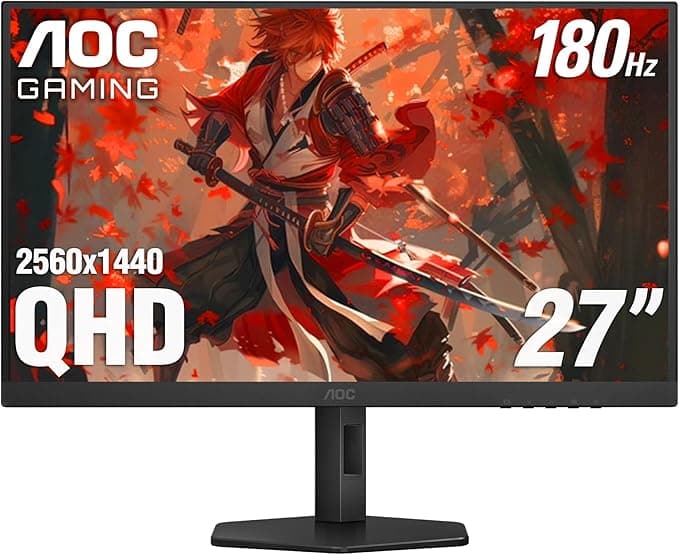
AOC Q27G4XN 27" Gaming Monitor

$223.99

Pros

  • Large 27-inch screen gives more multitasking space

  • Excellent value for a 1440p 180Hz monitor

  • Strong contrast makes movies and games look better

  • Smooth high refresh rate for gaming and scrolling

  • More affordable than many premium 1440p competitors

Cons

  • Color accuracy is usually weaker than LG or MSI IPS panels

  • Stand quality and ergonomics are more basic

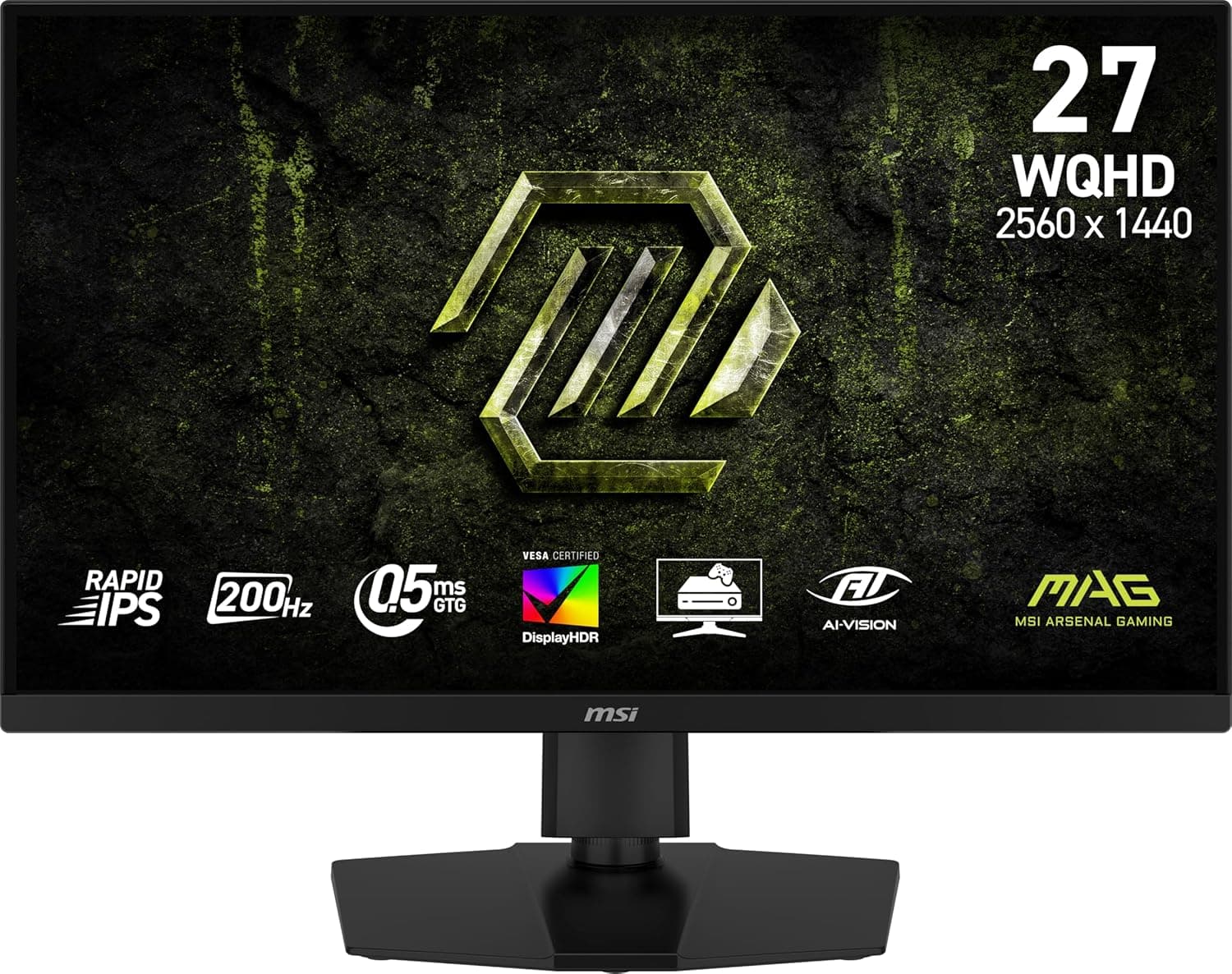
MSI MAG 274QPF E20 27-inch

$213.11

Pros

  • Excellent Rapid IPS panel with strong color accuracy

  • Better contrast than many LG Nano IPS displays

  • Sharp 1440p resolution is excellent for studying

  • Smooth 200Hz refresh rate

  • Great all-around monitor for gaming and productivity

Cons

  • More gaming-focused styling than office monitors

  • Built-in speakers are weak or absent

  • Premium IPS monitors still cost more than basic student options

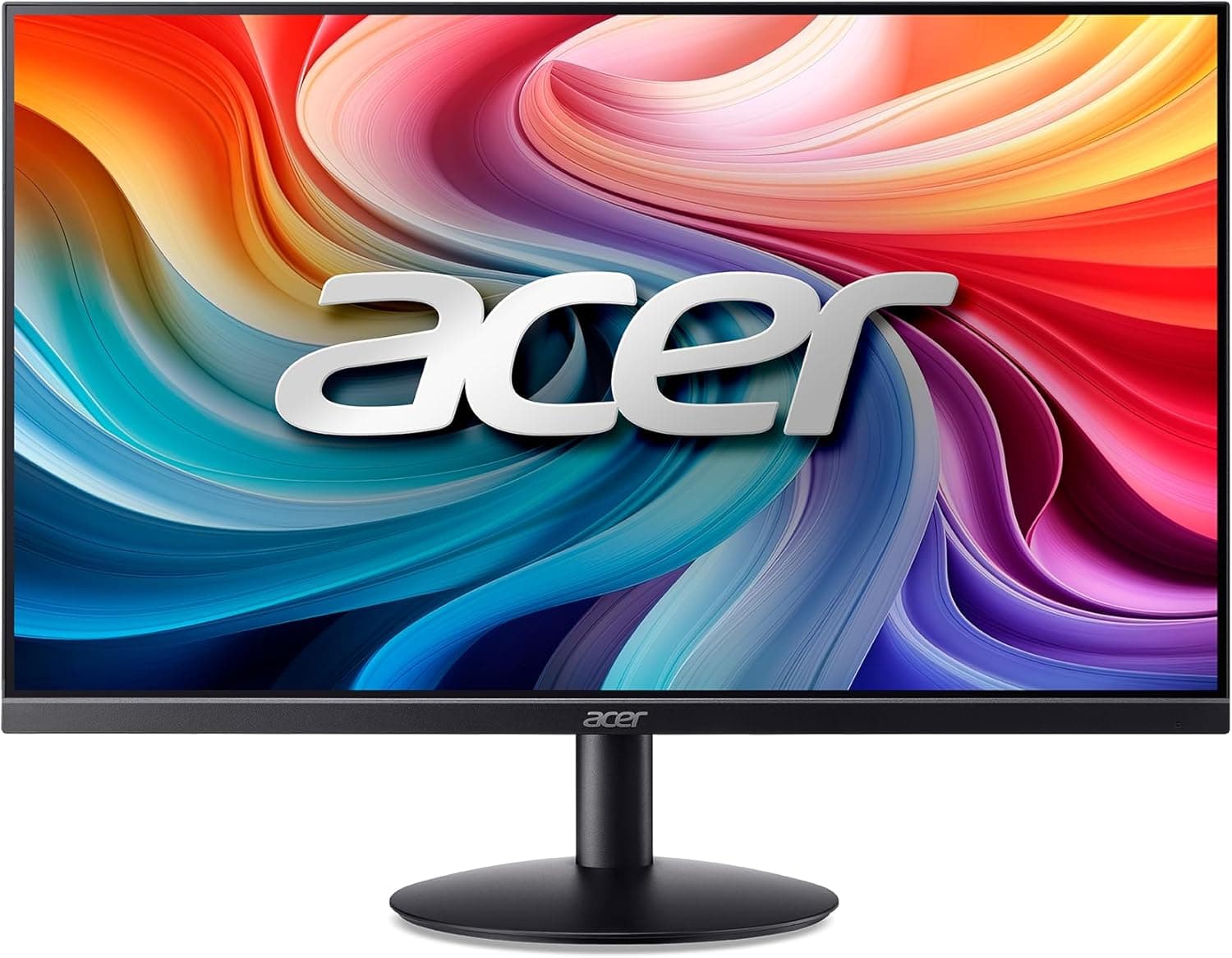
Acer SB242Y H1bi 23in

$119.99

Pros

  • Extremely affordable for students

  • Compact size works well for dorm desks

  • 100Hz feels smoother than traditional 60Hz displays

  • Lightweight and minimalist design

  • Great for essays, browsing, Zoom, and office work

Cons

  • Not ideal for serious gaming or creative work

  • Lower brightness and overall image quality than premium monitors

  • 1080p resolution limits workspace compared to 1440p

  • Smaller screen feels cramped for multitasking

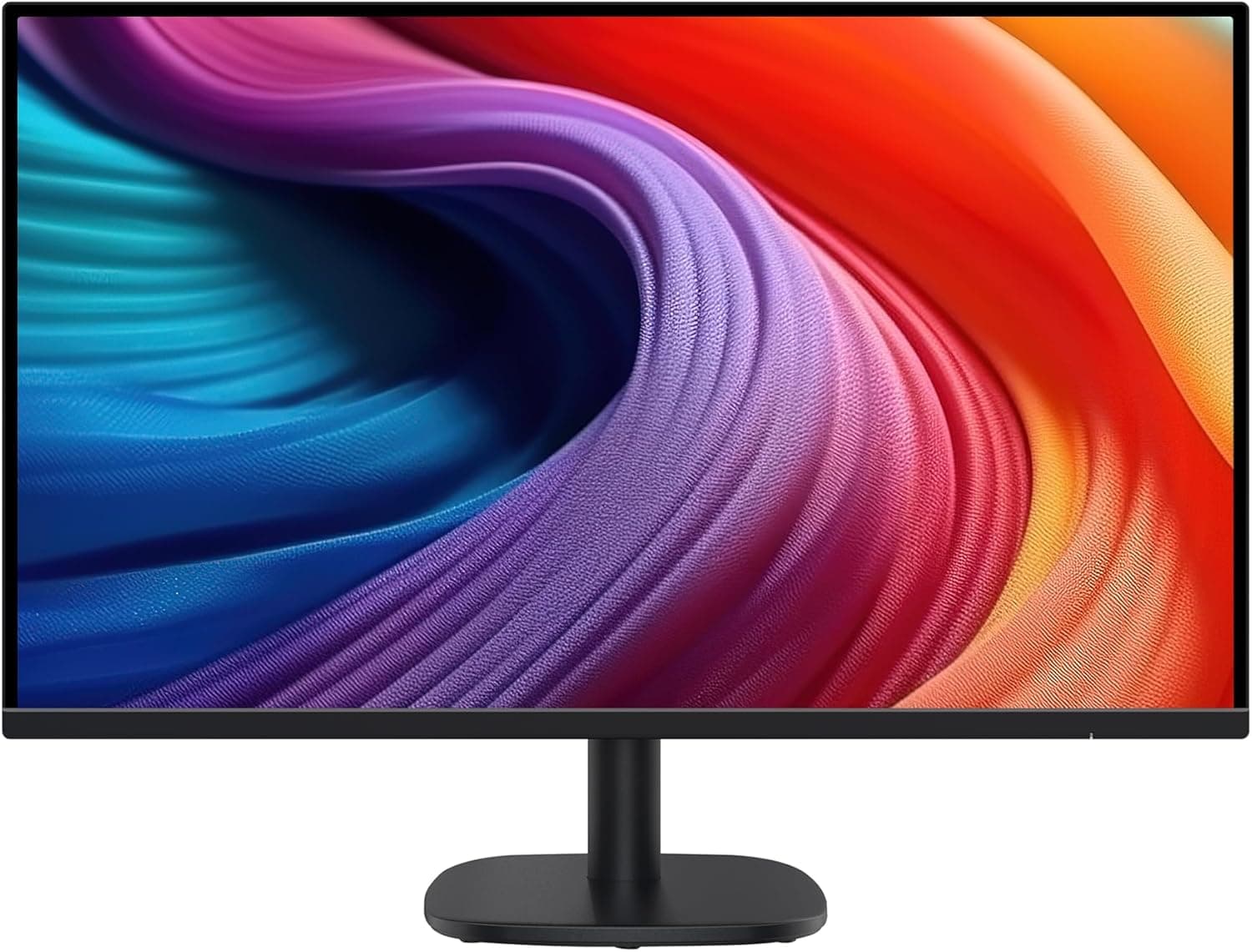
Amazon Basics 27 Inch Monitor

$149.28

Pros

  • Large 27-inch screen improves multitasking

  • Affordable price for the screen size

  • 100Hz refresh rate feels smoother than 60Hz

  • Simple setup and minimalist design

  • Good for documents, spreadsheets, and studying

Cons

  • Long-term reliability is less proven than major monitor brands

  • 1080p looks less sharp on a 27-inch display

  • Basic image quality compared to LG or MSI

Comparison Table

Best For

Budget gaming

Productivity + gaming

Budget studying

Productivity

Resolution

1440p

1440p

1080p

1080p

Refresh Rate

180Hz

200Hz

100Hz

100Hz

Text Clarity

Very good

Excellent

Good

Moderate

Ergonomics

Basic Stand

Good adjustable stand

Limited adjustments

Limited adjustments

Main Advantage

Best value high-refresh 1440p monitor

Best overall balance for school and gaming

Cheapest reliable IPS option

Large affordable screen for multitasking

Noise Level

The MSI MAG 274QPF is the best all-around pick for most students because it combines strong productivity performance, sharp 1440p text clarity, and excellent gaming smoothness. The LG UltraGear still offers excellent motion handling and color performance, but many users mention IPS glow and weaker blacks as drawbacks during dark-room use. The AOC Q27G4XN is one of the best value options for gamers who want strong contrast and a high refresh rate without spending much, though the VA panel introduces some ghosting and weaker viewing angles. Budget-focused students who mainly write papers, browse the web, and use productivity apps can save money with the Acer SB242Y or Amazon Basics monitor, but both sacrifice the sharper image and workspace benefits of 1440p displays.

Frequently asked questions

Yes — especially on a 27-inch display. A 1440p monitor gives sharper text, more screen space, and a noticeably better multitasking experience compared to 1080p. It’s ideal for coding, finance work, spreadsheets, research, and long study sessions. Many 2026 monitor guides consider 1440p the “sweet spot” for productivity and gaming.

Most students should choose IPS because it offers better text clarity, viewing angles, and motion handling for everyday productivity. VA panels provide deeper blacks and stronger contrast for movies and gaming, but they can suffer from ghosting and dark smearing in fast motion.

For most setups:

24-inch = best for small dorm desks and tight budgets

27-inch = best overall balance for productivity and gaming

32-inch = better for media consumption but may feel too large for small desks

Most experts recommend 27-inch 1440p monitors as the ideal combination for long-term use.

Focusing only on refresh rate instead of panel quality and resolution. Many users say panel type and image quality matter more than jumping from 165Hz to 240Hz for everyday use.

Related Articles


Get weekly Amazon finds.

Every week we send out the best budget deals and new product reviews — straight to your inbox. No spam, ever.

Join fellow students. Unsubscribe anytime.


StudySetup

Curated picks, honest reviews, and budget finds — for students who want to study smarter.

© 2026 StudySetup. As an Amazon Associate, we earn from qualifying purchases.

Shop

Amazon Store