Back to All Articles

Best Laptops for Students in 2026
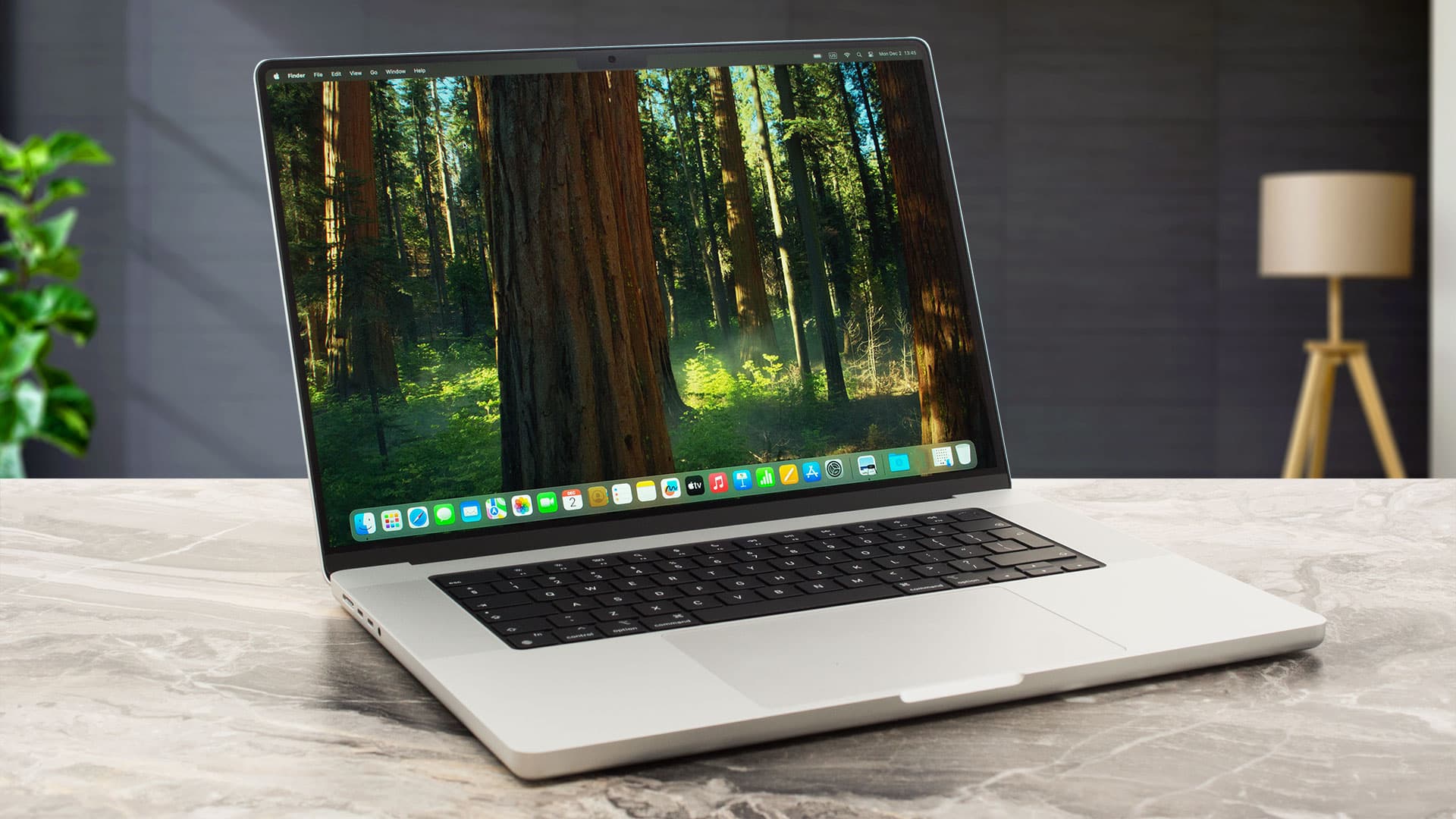
Who this is for:

Students who need a reliable, professional-looking laptop.

This guide is for students who need a reliable laptop that can handle multitasking, long study sessions, spreadsheets, presentations, and everyday productivity without slowing down. Whether you’re working with Excel models, attending online lectures, analyzing data, creating presentations, or balancing multiple tabs and applications at once, the laptops in this list are selected to provide the best combination of performance, battery life, portability, and value for student life in 2026. From lightweight laptops for carrying around campus to more powerful options for finance, accounting, and analytics work, these picks are designed to help students stay productive both in and outside the classroom.
Our Top Picks

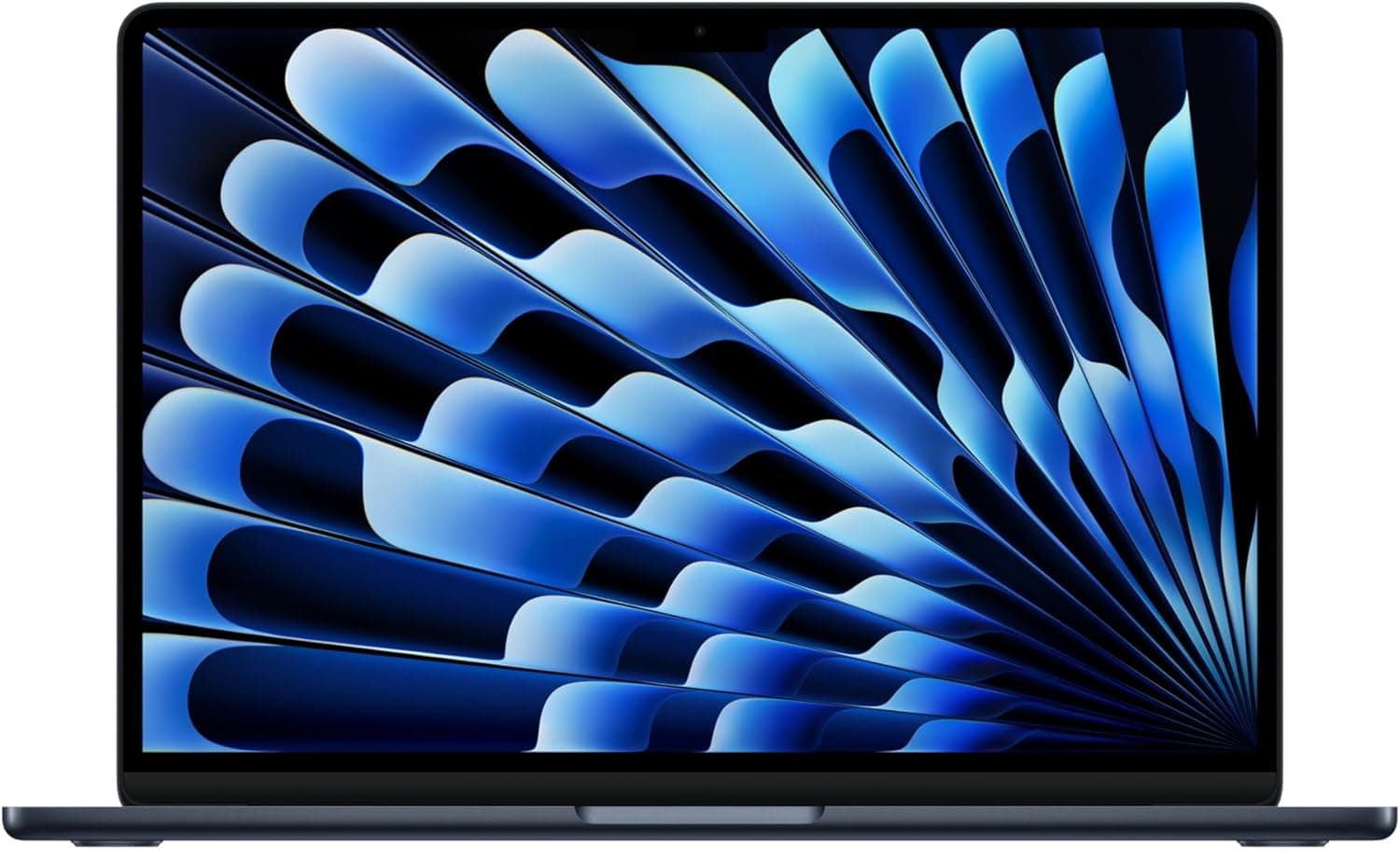
Apple 2026 MacBook Air 13-inch

$1499.99

Pros

  • Outstanding battery life that easily lasts a full school day

  • Extremely lightweight and portable for campus use

  • Silent fanless design stays cool during normal workloads

  • M4 chip handles multitasking, coding, editing, and productivity very smoothly

  • macOS integration is excellent for iPhone users

Cons

  • Expensive compared to most Windows laptops

  • Limited ports compared to many competitors

  • Gaming support is still weaker than Windows

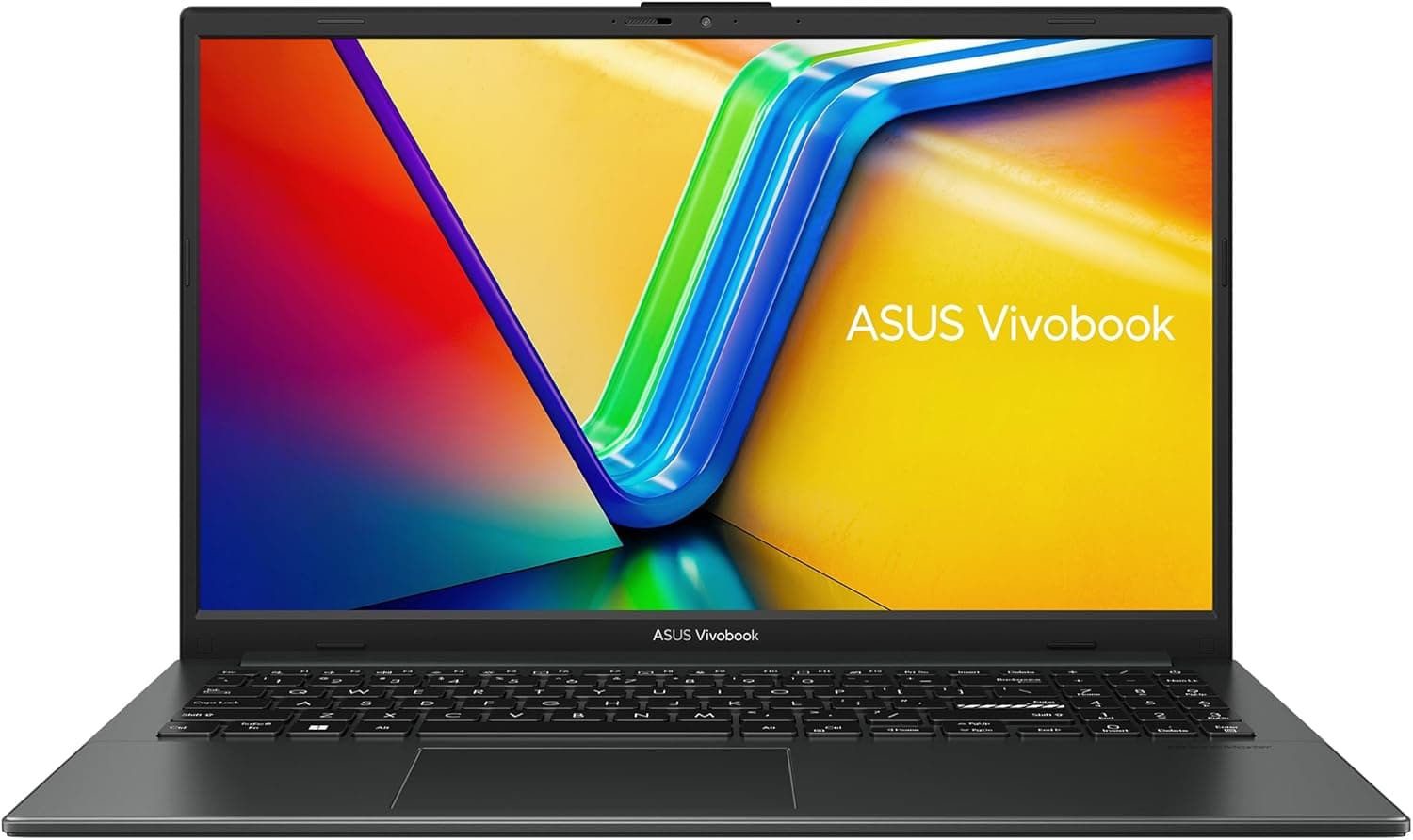
ASUS Vivobook Go 15

$548.50

Pros

  • Affordable price for students on a budget

  • Large 15.6-inch screen is good for multitasking

  • Good everyday performance for essays, research, Zoom, and browsing

  • Lightweight compared to many budget laptops

  • Solid value for general coursework

Cons

  • Display quality is average compared to premium laptops

  • Battery life is decent but not exceptional

  • Plastic build feels less premium

  • Not ideal for heavy creative workloads or gaming

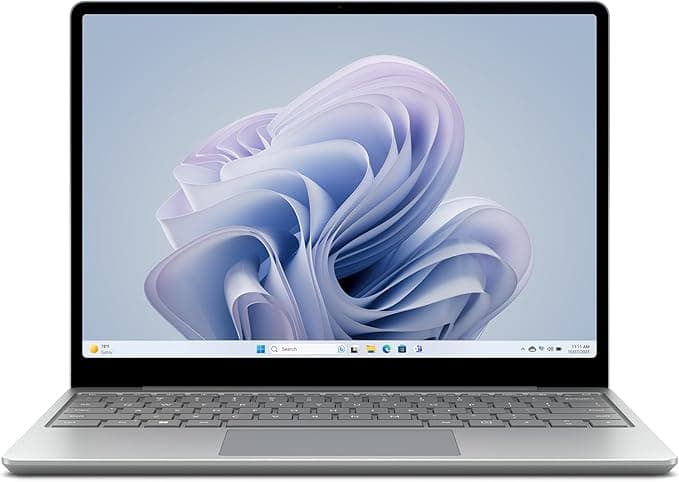
Microsoft Surface Laptop Go 3

$459.99

Pros

  • Extremely portable and lightweight

  • Premium keyboard and trackpad quality

  • Clean minimalist design

  • Touchscreen adds convenience for notes and navigation

  • Excellent for commuting and working on campus

Cons

  • Smaller 12.4-inch screen can feel cramped

  • Base models often include limited RAM/storage

  • Battery life is good but not MacBook-level

  • Performance is weaker than similarly priced competitors

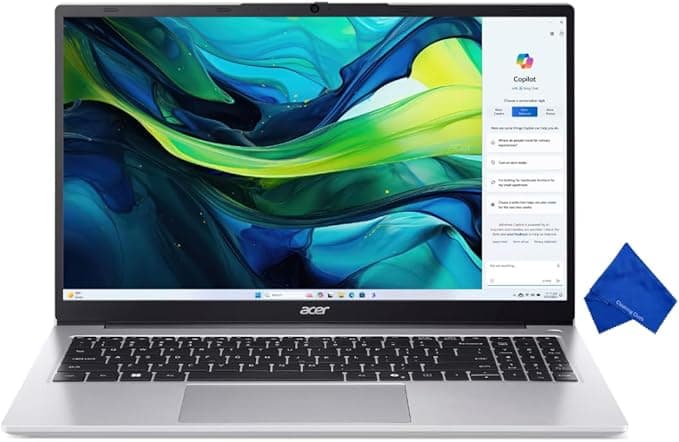
Acer Aspire Lite 15.6" FHD

$749.99

Pros

  • Ryzen 7 processor gives strong multitasking performance

  • Excellent value for the hardware included

  • Good for finance, coding, spreadsheets, and productivity

  • Large screen improves multitasking

  • Usually includes strong RAM/storage configurations for the price

Cons

  • Battery life is average

  • Build quality is more budget-oriented

  • Heavier than ultraportable laptops

  • Display quality is not as premium as higher-end ultrabooks

  • Fans can become noticeable under heavier workloads

Comparison Table

Best For

Overall students

Budget students

Portability

Multitasking value

Ideal Majors

Most majors

General studies

Business/humanities

Finance/CS/business

Battery Life

15–18 hrs

6–8 hrs

10–12 hrs

7–9 hrs

Portability

Excellent

Good

Excellent

Moderate

Performance

Excellent

Good

Moderate

Very good

Main Advantage

Best battery + portability

Affordable everyday use

Ultra-lightweight design

Strong Ryzen 7 performance

Noise Level

For most students, the MacBook Air is still the safest overall choice because of its battery life, reliability, portability, and long-term performance. The Surface Laptop Go 3 is the best lightweight Windows option for students constantly moving around campus, while the Acer Aspire Lite gives the strongest performance-per-dollar for multitasking and heavier workloads. Many users in 2026 especially praise the MacBook Air’s thermals, battery efficiency, and long-term durability compared to many Windows laptops.

Frequently asked questions

Most students should aim for 16GB RAM. 8GB is usable for very light work, but it struggles with multiple tabs, Zoom calls, and multitasking. 16GB is now the “standard” for smooth student performance.

Mac is better for battery life, portability, and long-term reliability, while Windows is better for flexibility, gaming, and compatibility with engineering or specialized software. If your program requires specific apps (like engineering tools), Windows is often safer.

512GB SSD is ideal. 256GB fills up quickly with school files, downloads, and apps. If you do media work or keep large files, 1TB is even better.

Buying too little RAM or storage (like 8GB/256GB) or choosing a gaming laptop when they don’t actually need one. Many students regret prioritizing flashy specs over battery life and portability.

Related Articles


Get weekly Amazon finds.

Every week we send out the best budget deals and new product reviews — straight to your inbox. No spam, ever.

Join fellow students. Unsubscribe anytime.


StudySetup

Curated picks, honest reviews, and budget finds — for students who want to study smarter.

© 2026 StudySetup. As an Amazon Associate, we earn from qualifying purchases.

Shop

Amazon Store